29 July 2026 | Business Technology Support Ltd
Why Multi-Site Businesses Need One Managed Print Strategy
Managing printing in one office can be challenging enough. When your organisation operates across several offices, branches, departments or school sites, those challenges can quickly multiply.
Different devices, separate suppliers, unexpected toner orders and inconsistent support arrangements can make it difficult to understand what your organisation is spending, or whether every location is receiving the service it needs.
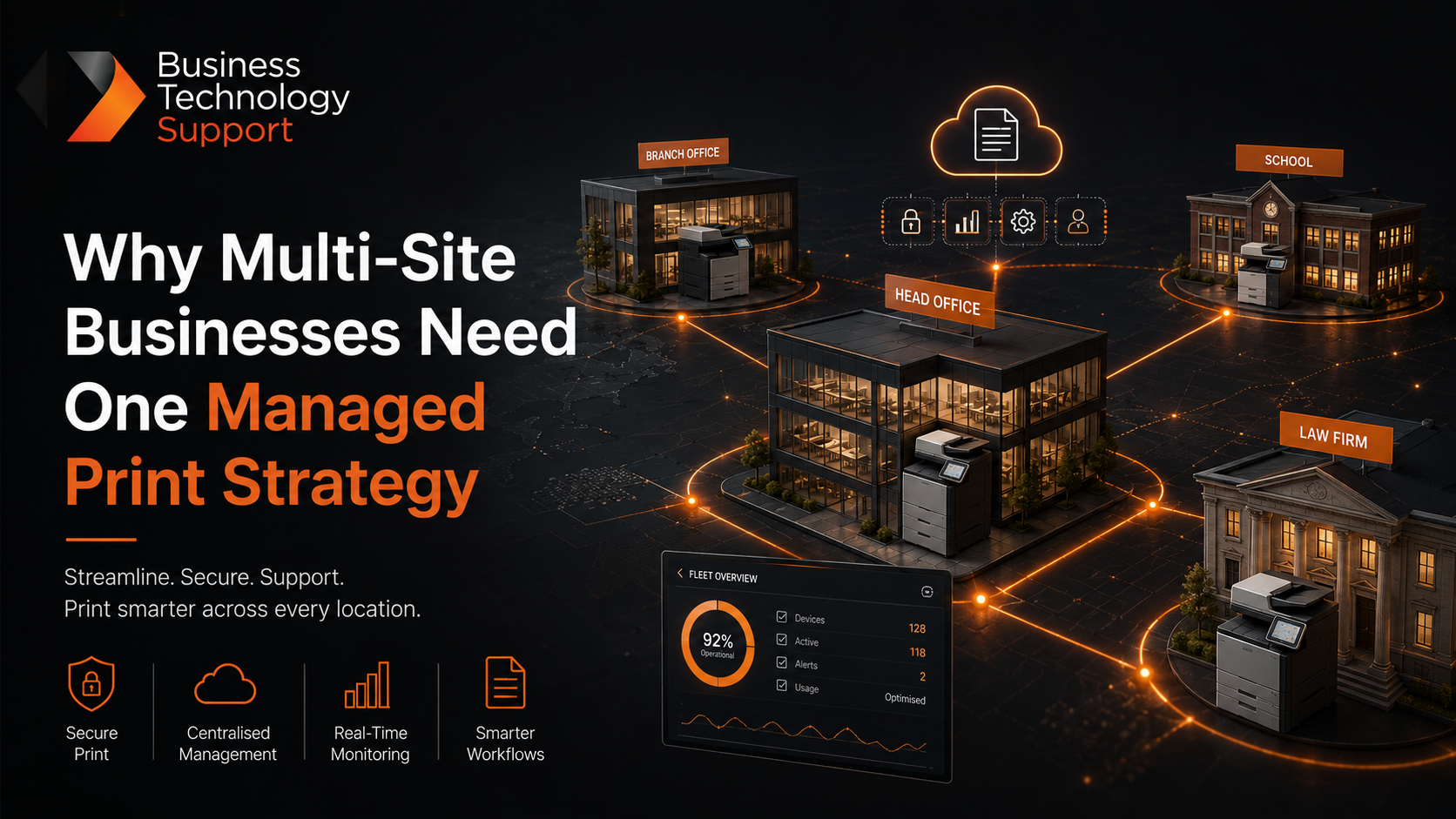
For multi-site organisations, printing should not be managed as a collection of separate machines. It should be treated as one connected business system.
Here’s how a coordinated managed print strategy can help.
Why Does Multi-Site Printing Become So Complicated?
Print environments often grow gradually.
A new printer is purchased when one department needs extra capacity. Another location chooses a different model. Toner is ordered independently, while faults are reported to several suppliers under different service agreements.
Before long, your organisation may be dealing with:
- A mixture of printer brands and models
- Several contracts with different renewal dates
- Inconsistent print quality between locations
- Limited visibility of usage and spending
- Employees ordering supplies manually
- Different security settings across the organisation
- Too much time spent reporting and resolving faults
Individually, these problems may appear relatively small. Across multiple locations, however, they can create unnecessary costs, administrative work and disruption.
1. Gain a Clear View of Your Entire Print Fleet
One of the biggest problems for multi-site organisations is a lack of visibility.
How many devices do you have? Which machines are being heavily used? Are some printers regularly sitting idle? Which locations are producing the highest print volumes?
Without accurate information, it is difficult to make informed decisions.
Print management software provides a central view of activity across your organisation. It can help you monitor printing, copying and scanning, identify inefficient devices and understand how resources are being used at each location.
Instead of relying on estimates or separate invoices, your organisation can see what is really happening across its print environment.
2. Standardise Devices and Processes
Different locations often develop their own way of doing things.
One office might use modern multifunctional devices, while another relies on several older desktop printers. Staff may have different printing options, settings and support procedures depending on where they work.
Standardising your print fleet does not necessarily mean installing the same machine everywhere. It means selecting devices that are appropriate for each location while ensuring they work together as part of one coordinated system.
This could include:
- Consistent default print settings
- A standard process for reporting faults
- Centralised supply management
- Agreed rules for colour and double-sided printing
- Compatible print management software
- Clear security and user-access controls
A standardised approach makes the print environment easier to manage and gives employees a more consistent experience wherever they are working.
3. Control Costs Across Every Location
Print costs are not limited to paper and toner.
Maintenance, energy use, employee time, duplicated equipment and unnecessary printing can all add to the true cost of your print environment.
The challenge for multi-site organisations is that these costs are often spread across separate departmental or location-based budgets. This can make overspending difficult to identify.
A managed print solution brings this information together. Detailed reporting can show costs by device, user, department or location, helping your organisation identify where improvements could be made.
Printing rules can also be introduced to encourage more cost-effective habits. For example, documents could default to double-sided or black-and-white printing, while colour access can be provided to the teams that genuinely require it.
The objective is not to prevent people from printing. It is to make sure they are printing in the most appropriate and cost-effective way.
4. Protect Confidential Information
Every network-connected printer or multifunctional device handles business information.
For schools, this could include pupil records and safeguarding documents. For law firms, it may include contracts, case files and private client information. Other businesses may regularly print financial, employee or customer data.
If documents are sent to a shared printer and left unattended, sensitive information can easily be viewed or collected by the wrong person.
Secure print release helps prevent this by holding a document until the authorised user verifies their identity at the device. User authentication and access permissions can provide additional control over who can print, copy or scan particular information.
Applying the same security standards across every location helps remove weak points and ensures confidential documents are handled consistently throughout the organisation.
5. Reduce Downtime and Manual Administration
A printer fault can disrupt an individual department. Across a multi-site organisation, recurring issues can consume a significant amount of IT and administrative time.
Employees may need to report faults, check toner levels, place orders or find an alternative device while waiting for a repair.
Remote device monitoring helps identify issues sooner and can automatically alert the service provider when attention is required. Toner levels can also be monitored, allowing replacement supplies to be delivered before they run out.
This proactive approach reduces the number of routine tasks placed on internal teams and helps keep devices available when employees need them.
6. Support Flexible and Hybrid Working
Employees increasingly move between offices, work remotely or visit different sites.
A fragmented print setup can make this unnecessarily difficult. Staff may need to install different drivers, learn new interfaces or ask for help whenever they work from another location.
Cloud-based print management can provide a more flexible experience. Subject to your chosen setup, employees can send documents securely and release them from an authorised device at a suitable location.
This makes printing easier for mobile teams while maintaining central oversight and security.
What Does a Managed Multi-Site Print Solution Include?
Every organisation is different, so the right solution should begin with an assessment of your existing devices, contracts, print volumes and workflows.
A multi-site print strategy may include:
- A review of every printer and multifunctional device
- Recommendations based on the needs of each location
- Consolidation of devices and supplier agreements
- Centralised print management and reporting
- Secure print release and user authentication
- Automated toner monitoring
- Proactive maintenance and technical support
- Regular reviews to ensure the solution remains suitable
The result is a print environment that is easier to understand, manage and adapt as your organisation changes.
How BTS Can Help
At BTS, we help schools, professional firms and businesses manage print environments of every size.
We can review your existing print fleet, identify unnecessary costs and recommend a tailored combination of devices, software and ongoing support.
Whether you operate from two locations or twenty, our aim is to give you one clear, reliable print strategy, rather than a collection of disconnected devices and contracts.
Ready to bring your multi-site printing under control?
Get in touch with the BTS team at hello@bts-ltd.co.uk to discuss your current setup and arrange a review of your print requirements.
Don’t let printing become more complicated as your organisation grows. With the right technology and support in place, every location can benefit from a more secure, efficient and cost-effective print environment.