07 September 2026 | Elmdale IT Services Ltd
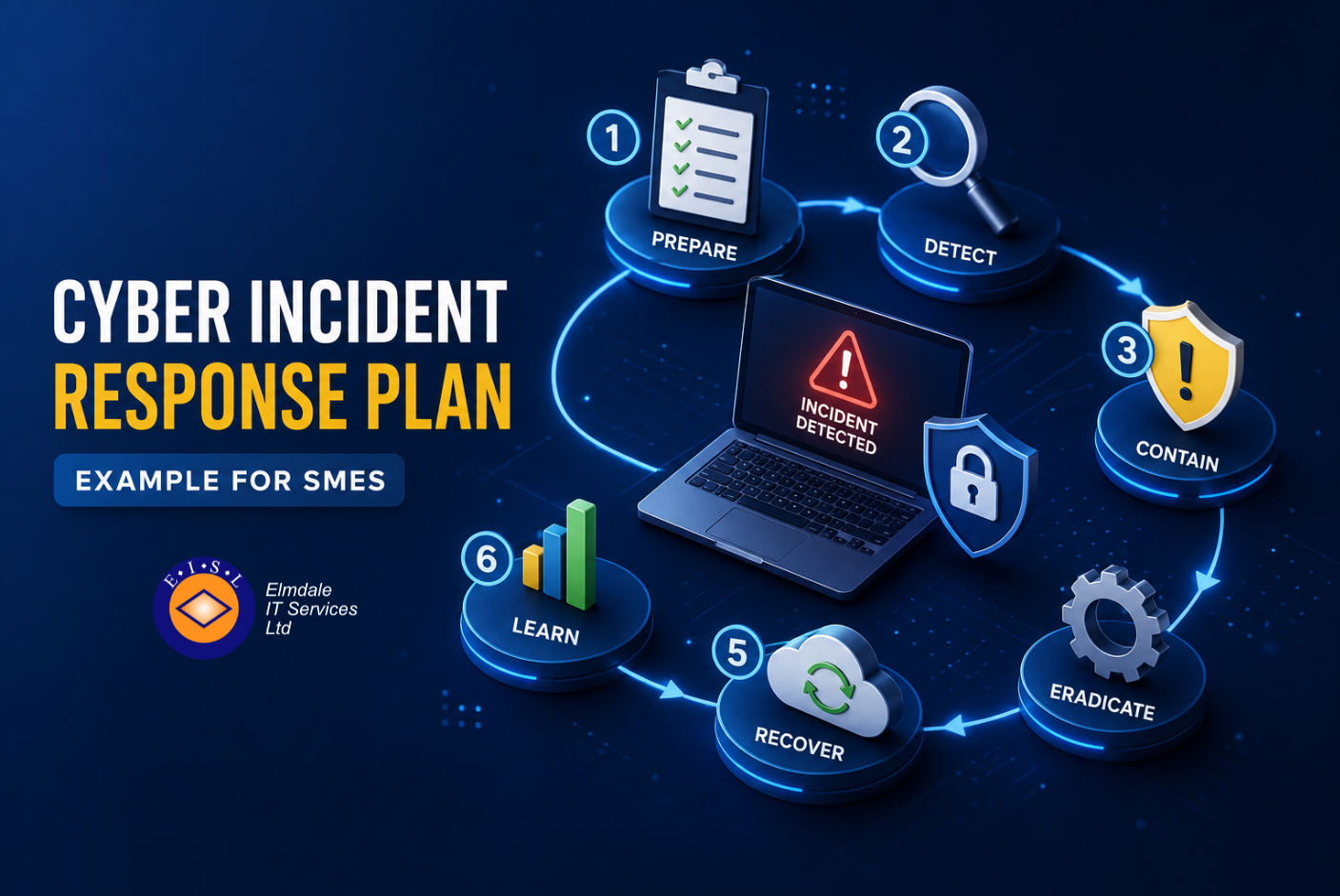
Cyber Incident Response Plan Example for SMEs
A ransomware message on a shared drive, an unexpected Microsoft 365 sign-in alert, or a member of staff reporting a suspicious payment request can all trigger the same problem: people know something is wrong, but nobody is certain who should decide what happens next.
A cyber incident response plan example gives your organisation a calm, agreed route through those first critical hours.
For businesses and schools across Berkshire, Hampshire, Surrey, Dorset, Wiltshire and London, the aim is not to create a thick document that sits unread in a folder. It is to set out practical actions, named responsibilities and clear contact routes that work when systems are unavailable and pressure is high.
What an incident response plan should achieve
An incident response plan explains how your organisation will identify, contain, investigate and recover from a cyber security incident. It should also cover who needs to be told, including your IT provider, senior leadership, insurers, affected customers or parents, and potentially the Information Commissioner’s Office.
The plan is not the same as a disaster recovery plan. Disaster recovery focuses on restoring systems and data after a disruption. Incident response begins earlier. It helps you stop damage spreading, preserve evidence and make informed decisions before recovery starts. The two plans should work together, particularly where backups, cloud services and remote access are involved.
A useful plan must be proportionate. A school may need specific procedures for safeguarding, pupil data and communications with governors. A professional services firm may need to protect client files, meet contractual reporting obligations and keep billable work moving. The core structure can be similar, but the contacts, systems and decisions must reflect the organisation.
Cyber incident response plan example
The following example is deliberately concise. It is a starting point for a small or mid-sized organisation, not a substitute for legal advice, insurance conditions or a technical investigation.
1. Define what counts as an incident
State the events that must be reported immediately. These usually include suspected ransomware, a compromised email account, unusual administrator activity, loss of a laptop containing sensitive information, a data breach, a successful phishing attack, denial-of-service disruption and suspected unauthorised access to cloud systems.
Staff should not be expected to prove that an incident has happened. The instruction should be simple: if something looks suspicious, report it promptly. Early reporting is far more valuable than certainty delayed by several hours.
2. Name the response team and their authority
List a primary contact and deputy for each role, with mobile numbers held somewhere accessible if email or telephony is disrupted. In many organisations, the core team includes the managing director or headteacher, an operational lead, the internal IT contact or managed IT provider, a data protection lead and a communications lead.
Be explicit about decision-making authority. Who can instruct staff to disconnect devices? Who can approve emergency expenditure? Who can notify the cyber insurer? Who can make statements to customers, parents or suppliers? Unclear authority is one of the most common causes of delay.
3. Contain the issue without destroying evidence
The first technical priority is to prevent further harm. This may mean isolating an affected computer from the network, disabling a compromised user account, ending active sessions, blocking malicious email rules or temporarily restricting remote access.
Containment needs judgement. Switching everything off immediately can interrupt business-critical services and make investigation harder. Conversely, leaving a compromised account active can allow an attacker to move further through the network. Your technical lead should assess the scope, record every action and preserve relevant logs where possible.
Staff should be told not to restart devices, delete suspicious emails or attempt their own fixes unless instructed. Good intentions can remove evidence or allow malware to reconnect.
4. Assess impact and meet reporting duties
Once the immediate threat is contained, establish what systems, accounts and information may be affected. Consider whether personal data, financial details, commercially sensitive documents or safeguarding records are involved. Check whether the incident affects a third-party platform or supplier as well as your own systems.
If personal data has been breached, the organisation may need to assess whether it presents a risk to people’s rights and freedoms. Some breaches must be reported to the Information Commissioner’s Office within 72 hours of becoming aware of them. Your plan should identify who owns this assessment and who can obtain specialist legal or data protection advice.
Cyber insurance policies often require notification at an early stage and may specify approved incident response suppliers. Calling an unapproved provider first can create avoidable complications, so keep policy details and the insurer’s emergency number with the plan.
5. Recover in a controlled order
Recovery is not simply a matter of restoring the latest backup. Before systems are brought back online, confirm that the original route of compromise has been addressed. This could involve resetting passwords, enforcing multi-factor authentication, patching a vulnerability, removing malicious tools or rebuilding an affected device.
Prioritise services according to operational need. For one organisation, that may mean restoring telephony and email before file access. For another, it may mean restoring finance, teaching platforms or line-of-business software first. Test restored services, monitor accounts closely and keep users informed about any temporary restrictions.
6. Review, improve and rehearse
Within days of recovery, hold a short review while the facts are fresh. Record what happened, the business impact, decisions made, lessons learned and agreed improvements. Avoid turning this into a blame exercise. The purpose is to strengthen controls and make the next response quicker.
At least annually, run a tabletop exercise. Give the response team a realistic scenario, such as an accounts mailbox sending fraudulent invoices or a server displaying a ransomware note, then talk through the first hour, first day and first week. This exposes missing contacts, unclear authority and assumptions about backups before a real incident does.
A practical first-hour checklist
When an incident is unfolding, detailed policy language is rarely helpful. Keep a one-page checklist alongside the full plan. It should tell the person receiving the report to record the time, reporter, affected user or device and symptoms; alert the named response lead; isolate affected equipment or accounts where appropriate; contact the IT support team and insurer; and avoid external communication until facts and responsibilities are clear.
The checklist should also include an alternative means of communication. If email is compromised, a pre-agreed phone call, mobile messaging group or non-corporate email route may be necessary. That route should be chosen carefully, particularly where sensitive information is discussed.
Details many plans miss
A plan often looks complete until it meets a real-world complication. For example, are your key contacts available outside office hours? Can your IT provider access systems if single sign-on has failed? Do you have an offline copy of the plan, asset list, network information and recovery credentials? Are backups protected with separate credentials and tested for restoration?
Supplier dependencies matter too. A compromised payroll platform, cloud application or email service may be outside your direct control, but your organisation still needs to manage communications and continuity. Record service desk contacts, contract references and escalation routes for critical suppliers.
For schools, include the process for deciding whether an incident affects safeguarding and how staff, parents and governors will be updated. For businesses, consider contractual notification clauses, payment controls and customer service arrangements. There is no benefit in a generic plan that ignores the way your organisation actually operates.
Keeping the plan useful
Store the full plan securely but make sure authorised people can access it during an outage. Review it whenever key staff change, a major system is introduced, your insurance policy is renewed or a significant supplier changes. The same applies after an incident, even one that was contained quickly.
Elmdale IT Services helps organisations turn broad cyber security requirements into practical processes, backed by responsive technical support and clear advice. The best plan is one your people can use with confidence, supported by tested backups, sensible access controls and an IT partner who knows your environment.
A cyber incident may begin with a single click or an unfamiliar alert, but the response does not need to be improvised. Give your team clear authority, current contacts and a rehearsed first hour, and they will be better placed to protect the people and services that depend on you.